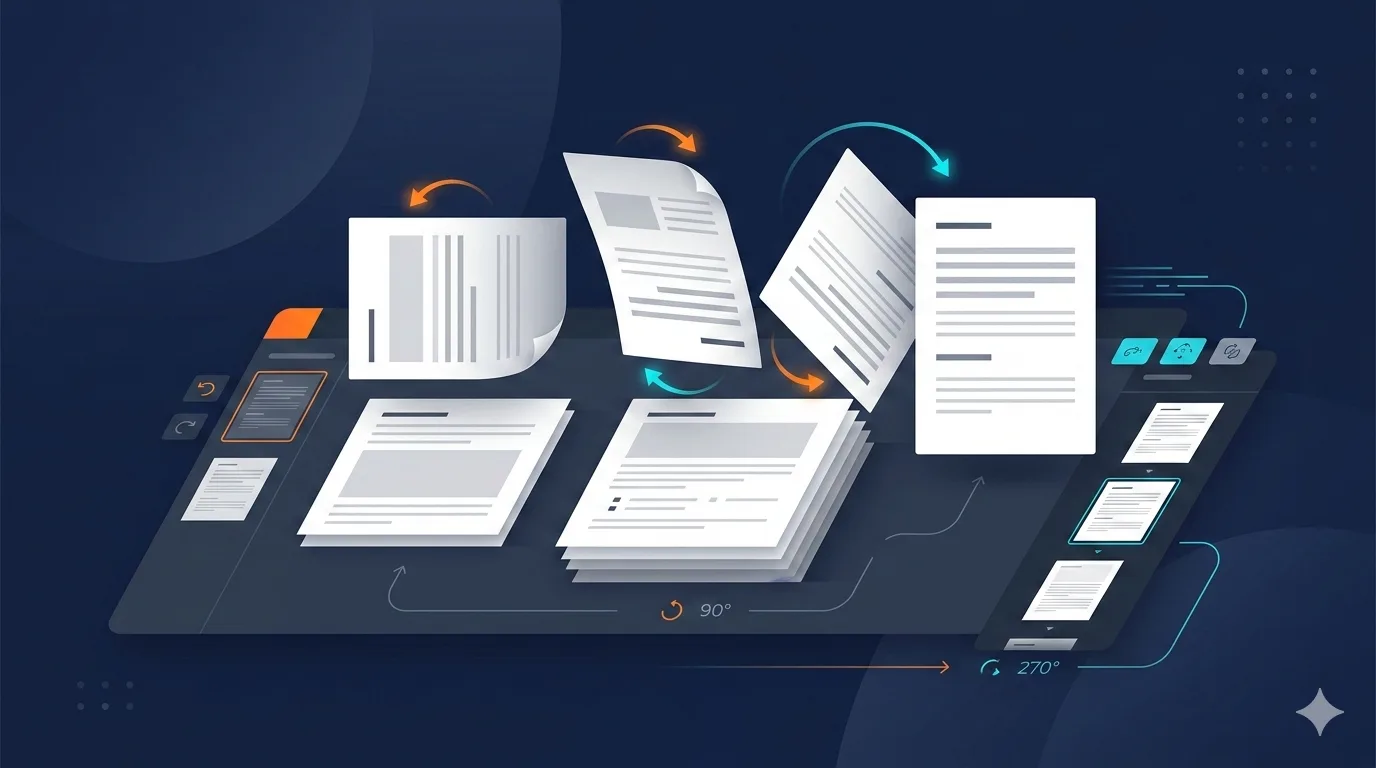
How to Rotate a PDF Online in Seconds
Learn how to rotate a PDF online in seconds. Fix upside-down pages, landscape scans, and mixed orientations with a fast step-by-step workflow for clean files.
Scanned PDFs often come out sideways, upside down, or with mixed page directions in the same file. Rotating pages takes less than a minute and makes your document easier to read, print, and share.
Why Rotate PDFs?
Here are the most common cases where rotation helps:
- Scanned pages are sideways after using a phone scanner or office copier
- Mixed orientation documents combine portrait and landscape pages
- Presentation exports include slides that need a 90-degree correction
- Forms and contracts have signature pages turned the wrong way
If you're sending a PDF to a client, school, or government portal, fixing orientation before sharing avoids confusion and rework.
How to Rotate a PDF with PDFfast
- Open the Rotate PDF tool.
- Upload your PDF file.
- Select the pages you want to rotate and apply 90, 180, or 270-degree turns.
- Download the corrected PDF.
Everything runs in your browser, so your files stay private on your device.
Rotation Options Explained
| Rotation | Best for | Result |
|---|---|---|
| 90 degrees | Sideways scans (clockwise) | Portrait to landscape, or vice versa |
| 180 degrees | Upside-down pages | Flips page to normal reading direction |
| 270 degrees | Sideways scans (counterclockwise) | Alternative direction when 90 is wrong |
Use page thumbnails to verify orientation before downloading, especially in multi-page documents.
Tips for Better Results
- Rotate only affected pages instead of the entire file when orientation is mixed.
- Check page order after rotation if your source scan also needs rearranging. Use Reorder Pages when needed.
- Remove blank or duplicate pages before sharing with Delete Pages and our delete pages guide.
- Keep only required sections with Extract Pages and our extract pages guide.
- Compress large scanned files after rotation using Compress PDF to make uploads easier.
- Export image previews after cleanup using PDF to JPG and our PDF to JPG guide.
Pro tip: Rotate first, then do cleanup tasks like deleting pages or compressing. This reduces mistakes in your final version.
When to Rotate vs. Rescan
Rotation is usually enough, but rescanning can be better when:
- Text is blurry or cropped
- The page is skewed (tilted), not just rotated
- Important margins were cut off
If scan quality is fine and orientation is the only issue, rotation is the fastest fix.
Need More?
If you process PDFs daily, PDFfast's Pro plan removes free-tier limits so you can rotate, reorder, and clean up files without interruptions.
Start Rotating
Ready to fix page orientation? Open Rotate PDF and correct your document in a few clicks.